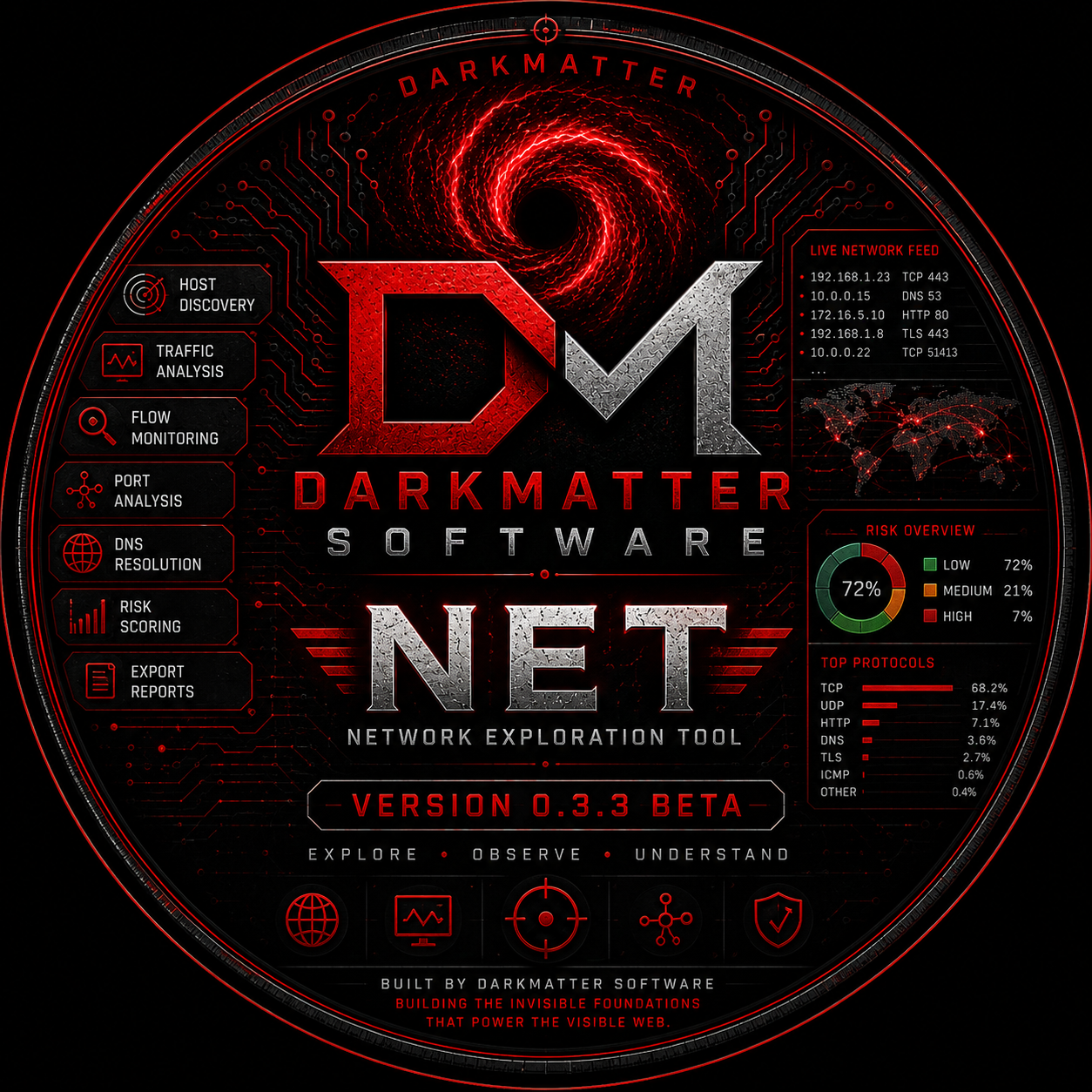
Version 0.3.3 BETA // Internal Development Build

DarkMatter NET

A portable network exploration workstation built for system administrators, technical operators, OSINT researchers, developers, incident responders, and anyone who needs to see which processes are talking, where they are connecting, what protocols they are using, and how the activity changes over time.

No Public Release Available No Public Release Available Read Operator Guide

Deep Signal Operations

Network visibility without the fog.

NET brings packet-aware observation, process attribution, host intelligence, persistent storage, and exportable reporting into one desktop interface. It is designed to remain useful whether you are examining a single workstation, validating application behavior, mapping outbound dependencies, investigating unexpected traffic, or building a repeatable reconnaissance record.

🛰️

Live Flow Monitoring

Observe active network conversations as they emerge, including local and remote addresses, ports, transport protocols, timestamps, and process attribution.

  • TCP and UDP visibility
  • Process-aware connection tracking
  • Local and remote endpoint separation
  • Refreshable operational tables
🌐

Remote Host Intelligence

Aggregate repeated flows into host-centric records so a noisy stream of sockets becomes a readable map of external systems and recurring destinations.

  • Remote IP summaries
  • Reverse DNS hostname resolution
  • Port and process aggregation
  • Last-seen and flow counts
⚠️

Risk-Oriented Review

Prioritize activity through operational scoring and contextual indicators rather than treating every connection as equally important.

  • Risk markers and status cues
  • Unexpected port visibility
  • Repeat destination awareness
  • Exportable evidence trail
🧬

Protocol Awareness

Separate traffic by protocol and service behavior to understand whether a connection represents browsing, name resolution, encrypted transport, or another network function.

  • TCP, UDP, DNS, HTTP and TLS context
  • Port-driven service identification
  • Protocol distribution summaries
  • Operator-readable classifications
🗃️

Persistent Local Storage

Keep application state, observed data, DNS intelligence, logs, and generated reports beside the portable executable in a predictable release directory.

  • SQLite database
  • Portable configuration
  • Local logs and exports
  • No cloud account required
📑

Reports and Exports

Move from live observation to durable documentation with machine-readable and human-readable export formats suitable for review, archiving, and later analysis.

  • HTML operational reports
  • CSV datasets
  • JSON exports
  • Portable evidence packages

Release Availability

No public release is currently available.

DarkMatter NET remains under active development and internal testing. Public binary and source packages are not currently being distributed. This section will provide official release access when a supported public build is ready.

Binary Release

Portable Linux Build

The portable Linux build is currently reserved for development and controlled testing. No public binary package is available for download at this time.

Version0.3.3 BETA
FormatZIP / one-folder
PlatformLinux x86_64
Run Modesudo ./NET
No Public Release Available
Source Package

Python Project Files

The project source remains private while development, testing, documentation, and packaging work continue. No public source archive is available at this time.

LanguagePython 3
Environmentvenv
BuilderPyInstaller
DatabaseSQLite
No Public Release Available
Availability: DarkMatter NET 0.3.3 BETA is currently an internal development build. No public binary or source release is available. Official packages will be published here when a supported release is ready.

Packet Capture Rules

Raw network access is privileged.

NET can display ordinary socket information as a normal user, but packet capture requires permission to open raw sockets and inspect network interfaces. On Linux, the supported beta procedure is to launch the application with sudo.

Why sudo is required

Linux restricts packet capture because raw packets can expose traffic beyond a single application. NET does not bypass this model. It asks the operating system for legitimate capture access and must be started with the corresponding privileges.

01
Run trusted builds only.Elevated applications can inspect sensitive traffic. Use official or locally audited source packages.
02
Keep the release directory controlled.Do not allow untrusted users to replace the executable, configuration, schema, or bundled Python modules.
03
Capture only where authorized.Use NET on systems and networks you own or are explicitly permitted to administer.
04
Protect exported reports.Reports can contain hostnames, IP addresses, processes, ports, and operational timestamps.
Portable binary
$ cd /path/to/NET_0.3.3_BETA
$ sudo ./NET
Source environment
$ cd /path/to/NET_0.3.3_Source
$ sudo python3 -m venv .venv
$ sudo .venv/bin/python -m pip install -r requirements.txt
$ sudo .venv/bin/python app.py
PyInstaller release build
$ sudo .venv/bin/python -m pip install pyinstaller
$ sudo .venv/bin/python -m PyInstaller --clean --noconfirm NET.spec
# Result: dist/NET/NET
$ cd dist/NET
$ sudo ./NET

Operator Workflow

From startup to actionable evidence.

NET is intended to be explored interactively. Begin with a quiet baseline, start capture, generate or observe known activity, and then pivot between flows, hosts, process details, DNS information, and reports.

Start NET with capture privileges

Launch the portable binary or source entry point using sudo. Confirm that the main window opens and the expected network interface is available.

Select the active network interface

Choose the interface carrying the traffic you want to observe. On many workstations this will be an Ethernet or Wi-Fi interface rather than loopback.

Begin capture and establish a baseline

Let NET observe the system before launching additional software. This exposes background services, update checks, name resolution, and persistent outbound behavior.

Generate known activity

Open a browser, run a network-aware application, perform a DNS lookup, or connect to a known service. Compare the expected behavior with the observed flows.

Pivot from flows to hosts

Use the flow table for connection-level details, then move to Remote Hosts to review aggregated destinations, hostnames, process associations, ports, and risk context.

Resolve and review DNS intelligence

Allow automatic reverse DNS or trigger manual resolution for selected hosts. A missing PTR record is normal and should not be treated as proof of malicious behavior.

Inspect process and port relationships

Identify which executable initiated a connection, which local port was used, which remote service answered, and whether the same relationship repeats over time.

Export the operational record

Create HTML reports for human review or export CSV and JSON datasets for archival, scripting, comparison, and additional analysis.

Interface Map

What each workspace is for.

Each view answers a different operational question. Use them together rather than expecting one table to tell the entire story of a network event.

WorkspacePrimary QuestionTypical DataOperator Use
Live FlowsWhat is communicating right now?Process, protocol, local IP/port, remote IP/port, hostname, timestampsImmediate observation and event correlation
Remote HostsWhich external systems recur?Remote IP, hostname, DNS status, flow count, processes, ports, riskDestination profiling and dependency mapping
Flow DetailsWhat happened in this connection?Expanded endpoint, process, timing, and protocol metadataFocused review of a selected event
DNS IntelligenceDoes this address publish a PTR hostname?Resolved hostname, status, cache age, lookup outcomeContext enrichment and host labeling
ReportsHow do I preserve or share the findings?HTML, CSV, JSONDocumentation, archiving, and downstream analysis
SettingsHow should NET behave?Theme, refresh behavior, DNS options, cache lifetime, interface choicesOperational configuration

Portable Runtime

Everything travels with the application.

The PyInstaller one-folder release keeps writable state beside the executable instead of hiding it in a temporary extraction directory. Archive the folder and you archive the working application state with it.

Portable directory anatomy
NET/
├── NET
├── _internal/
├── config/
│   └── ui.json
├── data/
│   └── net.sqlite
├── exports/
├── logs/
│   └── net.log
├── README.md
└── LICENSE
🧰

Operational handling

  • Move the complete folder, not the executable alone.
  • Back up data/ before major upgrades.
  • Preserve config/ when retaining user settings.
  • Review logs/ during troubleshooting.
  • Archive exports/ separately when reports are evidence.
  • Do not edit files inside _internal/ unless rebuilding the release.

Visual Presets

Three operating environments.

NET includes purpose-built visual presets rather than superficial color swaps. Each theme changes the operating atmosphere while retaining the same information architecture and control placement.

Default Theme

DarkMatter

Network intelligence // deep signal operations. Black, steel, controlled red, and subdued command-blue accents.

Field Theme

Desert Recon

Field intelligence // sand table operations. Warm tactical neutrals, muted green, and low-glare gold indicators.

Signal Theme

Oceanside

Blue water recon // signal surface operations. Deep teal panels, cyan instrumentation, and cool blue telemetry.

Responsible Operation

Observe with authority, store with discipline.

NET is an administrative and diagnostic instrument. Packet and process data can be sensitive. Operate only within your authorization, minimize unnecessary capture, and handle reports as system records.

Authorization

Capture traffic only on systems and networks you own, administer, or have explicit permission to inspect.

Data Minimization

Capture long enough to answer the operational question. Avoid retaining unrelated traffic indefinitely.

Evidence Integrity

Preserve original exports, record collection times, and avoid altering reports that may be used for later comparison.

Troubleshooting

Common deployment questions.

Most startup problems come from missing privileges, incomplete extraction, selecting the wrong interface, or running the executable outside its release folder.

NET opens, but no packets appear.

Close the application and relaunch it with sudo. Confirm the selected interface is active and that traffic is actually passing through it. Loopback traffic will not appear on an Ethernet or Wi-Fi interface.

The portable binary cannot find its database or configuration.

Keep the complete release folder intact. NET expects its writable data/, config/, logs/, and exports/ directories beside the executable.

A remote IP has no hostname.

Reverse DNS is optional infrastructure. Many legitimate systems do not publish PTR records. NET should preserve the IP address and report the lookup status rather than inventing a hostname.

Why is a private address not resolving?

Private addresses often depend on a local DNS server, router, hosts file, or enterprise naming system. Enable private-address resolution only when your network provides useful local PTR records.

Can I copy the release to another machine?

Yes. Copy the entire release directory. A Linux binary must still match the target architecture and system compatibility expectations.

Should I merge a new beta over an existing folder?

No. Extract the new release into its own directory, test it, then copy only the data or configuration you intentionally want to preserve. This prevents mixed-version modules and stale bundled files.

DarkMatter NET logo

DarkMatter Software

Public release pending.

DarkMatter NET is still being refined behind the curtain. Public binary and source packages are not yet available, but this page will become the official release point when distribution begins.

No Public Release Available No Public Release Available