Vault Ingest
Bring in local ISO files or download new ones straight into the archive. The application stages, hashes, categorizes, and stores them under a controlled directory structure instead of allowing chaos to breed in random folders.
ISO Vault is a dark, desktop-grade archive manager built for people who actually keep operating system images on hand. It ingests local files, downloads new images directly, calculates SHA-256 fingerprints, tracks everything in SQLite, and handles oversized ISOs with FAT32-aware split storage without turning your archive into a junk drawer.
Initialize vault → ingest ISO → hash image
store direct or split safely → verify later → rebuild when needed
Keep the release zone clean, obvious, and useful. Drop your packaged binary, source bundle, changelog, and checksum files here. The layout below is ready to go. Swap filenames if your final package names differ.
These are the launch buttons. Replace placeholders with your real packaged files and let the page do the chest-thumping.
For a Python-first release, this gets people from archive to launch with very little fumbling.
python3 -m venv venv source venv/bin/activate python3 iso_vault_app.py
External Python packages are not required for the frozen version shown so far. On some Linux systems you may still need python3-tk installed for the desktop interface.
ISO Vault is not pretending to be a cloud service in a trench coat. It is a local control utility for serious ISO hoarders, deployment tinkerers, lab builders, and anyone tired of losing track of giant operating system images scattered across disks like digital shell casings.
Bring in local ISO files or download new ones straight into the archive. The application stages, hashes, categorizes, and stores them under a controlled directory structure instead of allowing chaos to breed in random folders.
Each stored image is fingerprinted with SHA-256. When you need confidence later, ISO Vault can verify direct items or rebuild split items temporarily and compare the current digest against the recorded original.
Large images that would smash into a 4 GB wall are stored as deterministic parts with manifest data. The archive remains usable without forcing a reformat of a backup drive that has other duties in life.
Every archive item is written to a local SQLite database with metadata such as original path, source URL, storage mode, checksum, part count, category, status, and timestamps.
Split images are not stranded in a swamp of mystery chunks. The application knows how to reconstruct them cleanly into a chosen output location when you need a full ISO again.
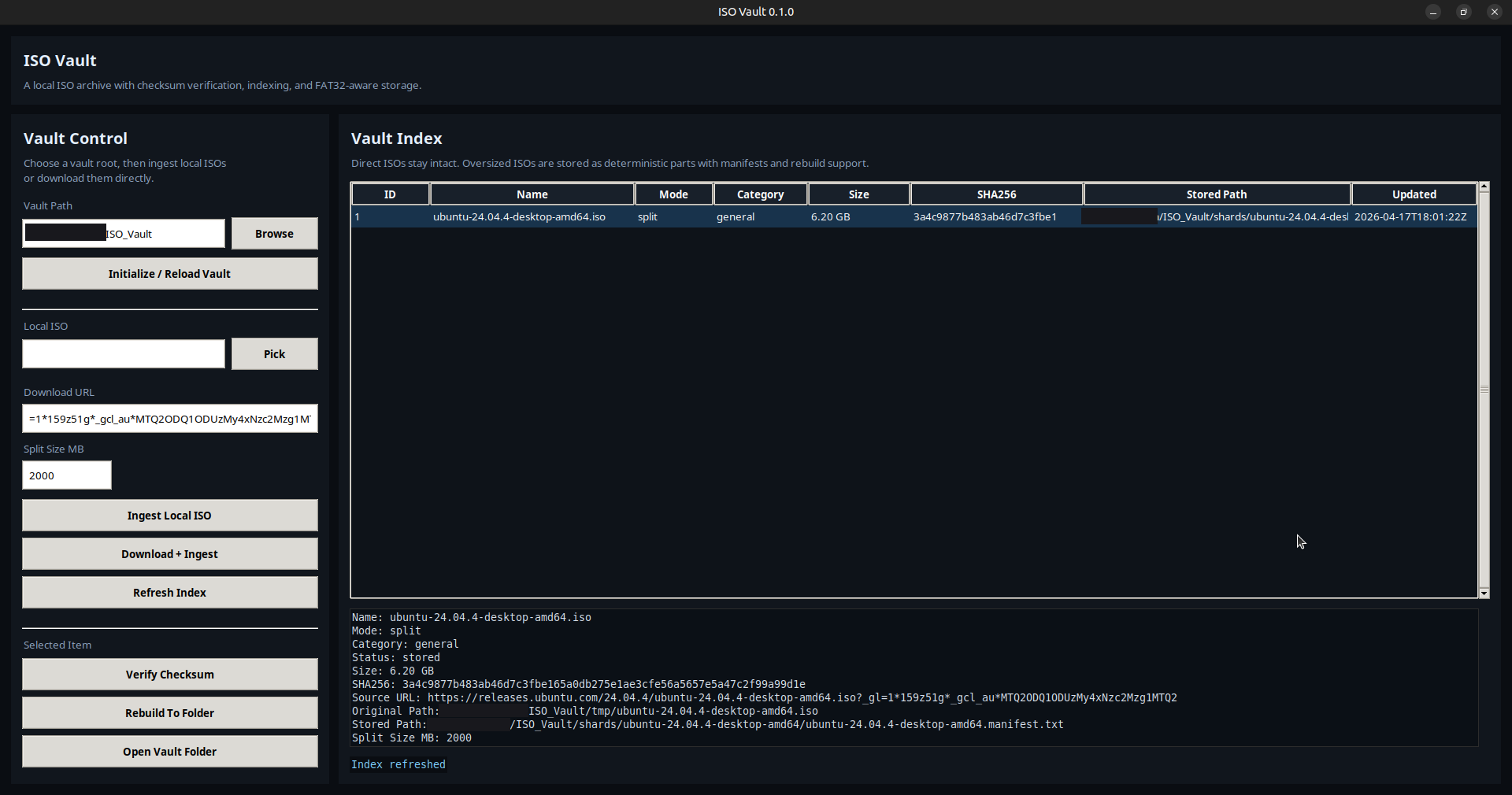
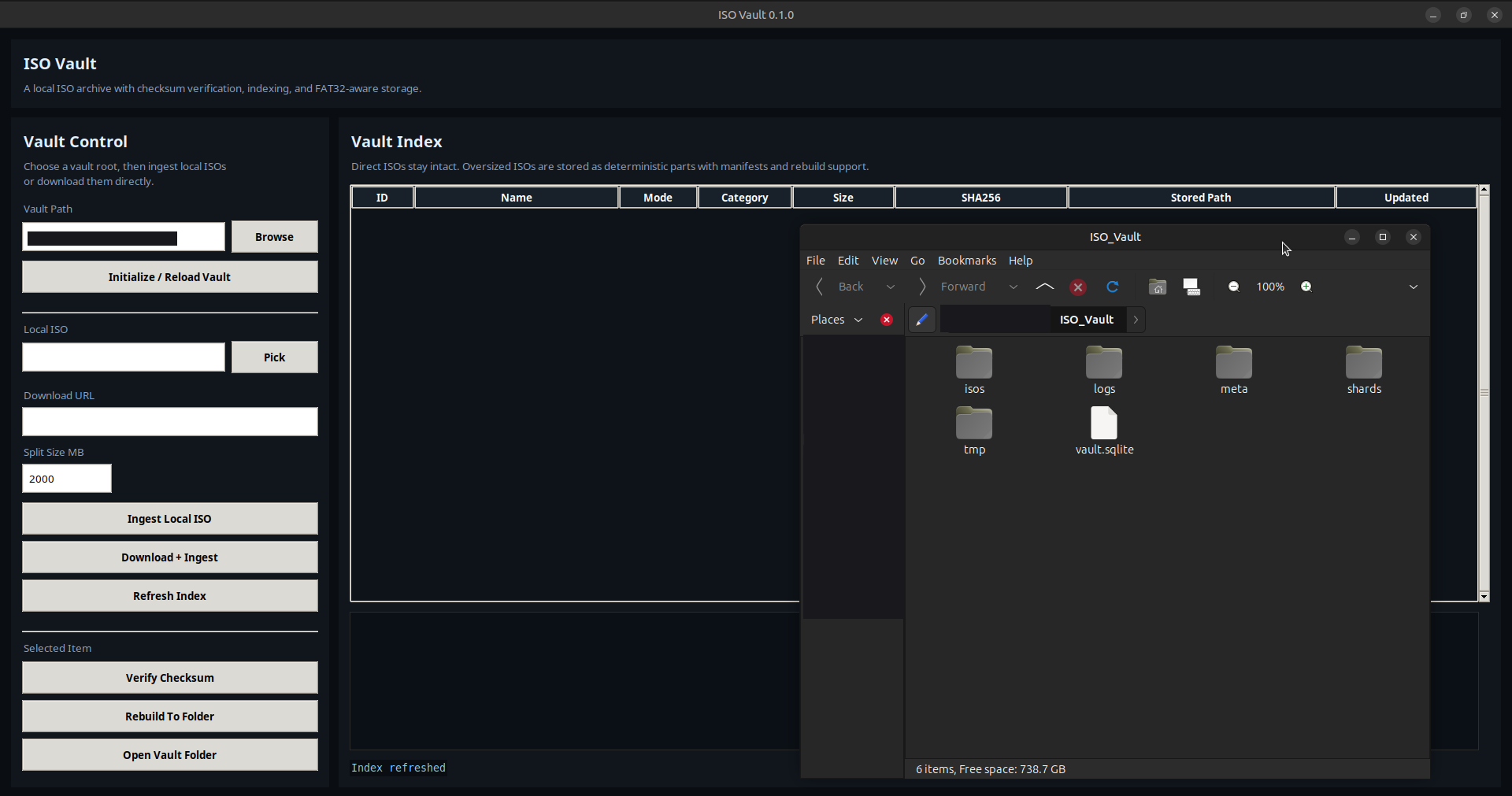
The Tkinter interface gives the project a proper operating surface: ingest buttons, detail panes, vault table, verification actions, rebuild commands, and status feedback without requiring terminal acrobatics for every operation.
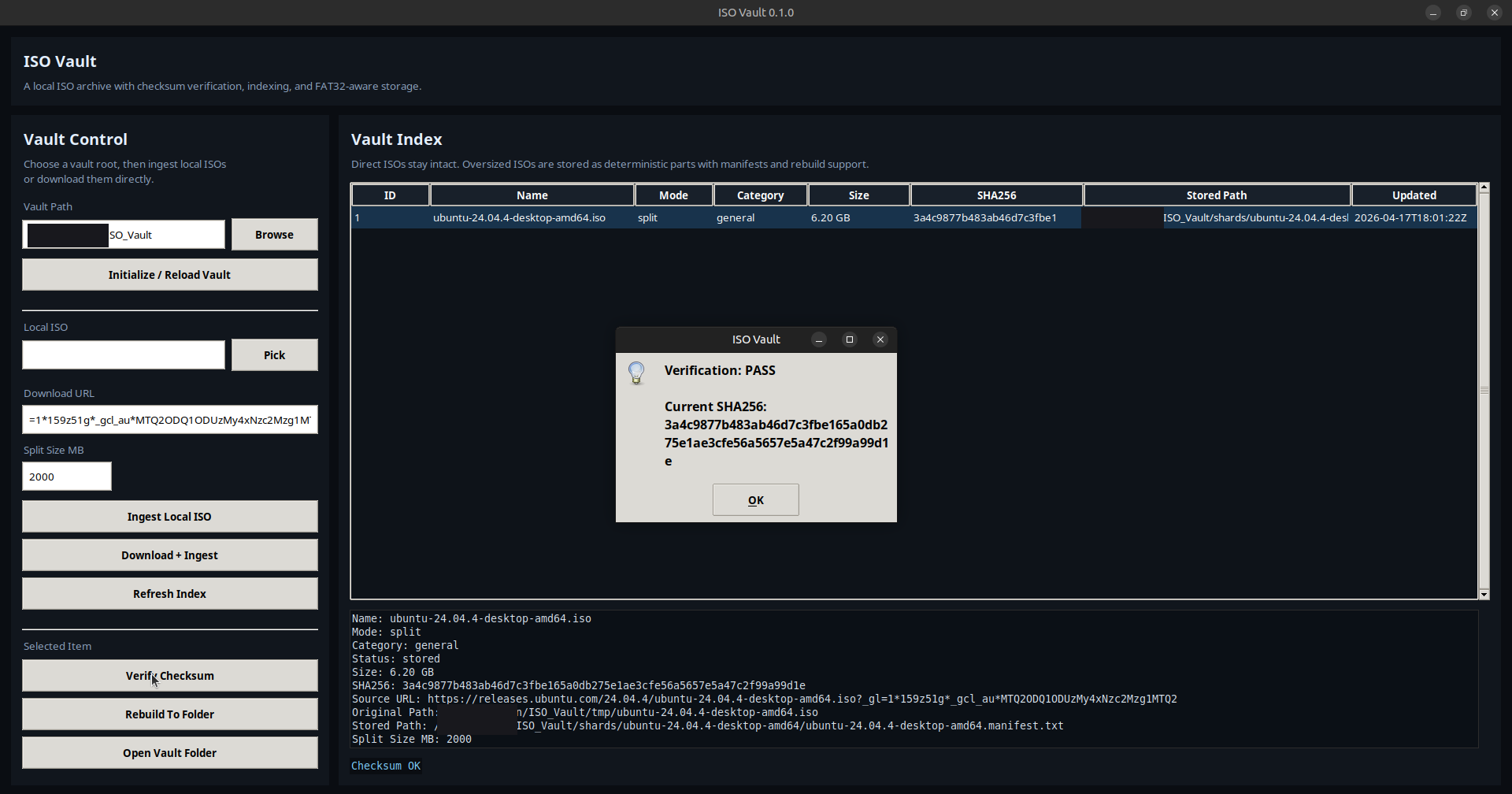
This is the command interface for ISO Vault. Every panel reflects state: what has been ingested, how it is stored, and whether it verifies. Actions are explicit—ingest, hash, split, rebuild. The system does not obscure behavior behind abstraction. What you see is exactly what the vault is doing.
The project was born from a practical irritation: building an external archive of Linux ISOs while dealing with a storage device that should not be reformatted just to appease oversized images. Instead of surrendering to annoyance or treating every big ISO like a recurring surprise attack, ISO Vault formalizes the process and gives the archive a brain.
Set a root path and let the application generate the internal directory structure and SQLite index.
Bring in a local file or fetch one from a URL through the desktop interface.
Direct storage for smaller images, deterministic split storage for oversized images on constrained filesystems.
Use the app to confirm integrity or reconstruct a full ISO when you need it again.
The current frozen build stays lean on purpose: standard library core, local-first data handling, and no dependency carnival flapping from the rafters.