Full-Page Screenshots
Captures rendered pages into PNG files with browser-backed layout handling and full-page screenshot support.

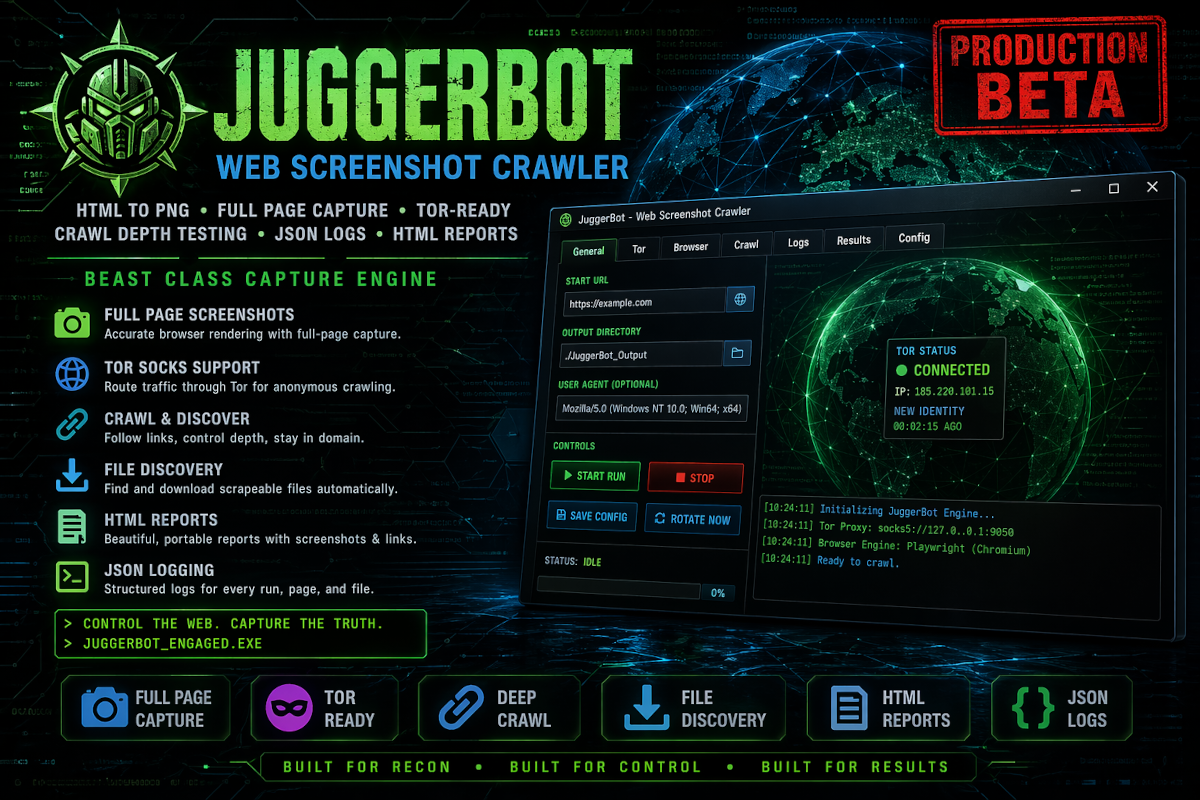
JuggerBot is designed to capture web pages as rendered screenshots, not just raw HTML. It uses a browser-backed capture engine so modern pages, redirects, stylesheets, layouts, and page height can be handled closer to how a real browser sees them. The tool is built around a Tkinter desktop interface with crawl controls, Tor proxy options, screenshot dimensions, file discovery, JSON logging, and HTML report generation.
The goal is simple: enter a target URL, choose how deep the crawler should go, decide whether Tor should be used, optionally scrape downloadable files, then generate a structured capture run with screenshots, metadata, logs, and a readable report.
Captures rendered pages into PNG files with browser-backed layout handling and full-page screenshot support.
Works as a practical HTML page capture tool for local sites, public pages, test deployments, and crawler diagnostics.
Routes HTTP and browser capture traffic through a SOCKS proxy when Tor mode is enabled.
Includes controls for requesting Tor identity rotation through the control port when configured with the proper password.
Supports link-following with configurable maximum depth, maximum page count, and same-domain-only behavior.
Optionally checks linked resources for downloadable files such as ZIP, PDF, text, image, JSON, XML, and document assets.
Every run records structured JSON output including page status, URLs, screenshots, errors, file metadata, and run details.
Reports are generated for easy review with links to screenshots and downloaded files stored alongside the report folder.
The stable beta build focuses on making the Stop control interrupt active capture behavior without trashing the interface.
| Output | Purpose | Typical Location |
|---|---|---|
| Screenshots | Full-page PNG captures generated during the crawl run. | JuggerBot/screenshots/ |
| Downloads | Optional discovered file downloads from crawled pages. | JuggerBot/downloads/ |
| Reports | HTML summaries with page status, links, screenshots, and errors. | JuggerBot/reports/ |
| Logs | Structured JSON logs containing run data, page data, file data, and errors. | JuggerBot/logs/ |
JuggerBot uses a local configuration file so the application can remember browser settings, Tor settings, crawl settings, download options, and output directories. The stable beta build is intended to keep the configuration beside the application during regular use and portable testing.
The stable beta build uses Python, Tkinter, httpx, BeautifulSoup, Stem, and Playwright. When packaged with PyInstaller, the Playwright browser path must be handled cleanly so Chromium can be located at runtime. The current packaging direction favors setting the Playwright browser path inside the application rather than relying on shell wrapper scripts.
Primary packaged build for testing and field use.